AI image generation for brands: the style guide that keeps it on brand
How to keep AI-generated images on brand: a style guide template with palette, light, composition, prompt blocks, banned elements and a review checklist.
AI image generation stays on brand when a team works from a written style guide: subject rules, colour palette, light, composition, approved reference images, reusable prompt blocks, a list of banned elements and a review checklist. One approved style frame comes first; every batch is checked against it by a designer.
Part of the guide: Agentic marketing
On this page
Generating one good AI image is easy. Generating three hundred that look like they come from the same brand is the work. The difference is a written style guide that every person and every tool follows. This guide gives the template we use and the review that holds it together.
Prepared 30 October 2026. Part of our guide to creative AI and 3D.
What goes into an AI image style guide?
| Section | What to write down | Example |
|---|---|---|
| Purpose | Where images are used and what they must do | Social posts and ads for a café chain in Klang Valley |
| Subject | What appears, and how | Real menu items, warm table settings, no generated faces |
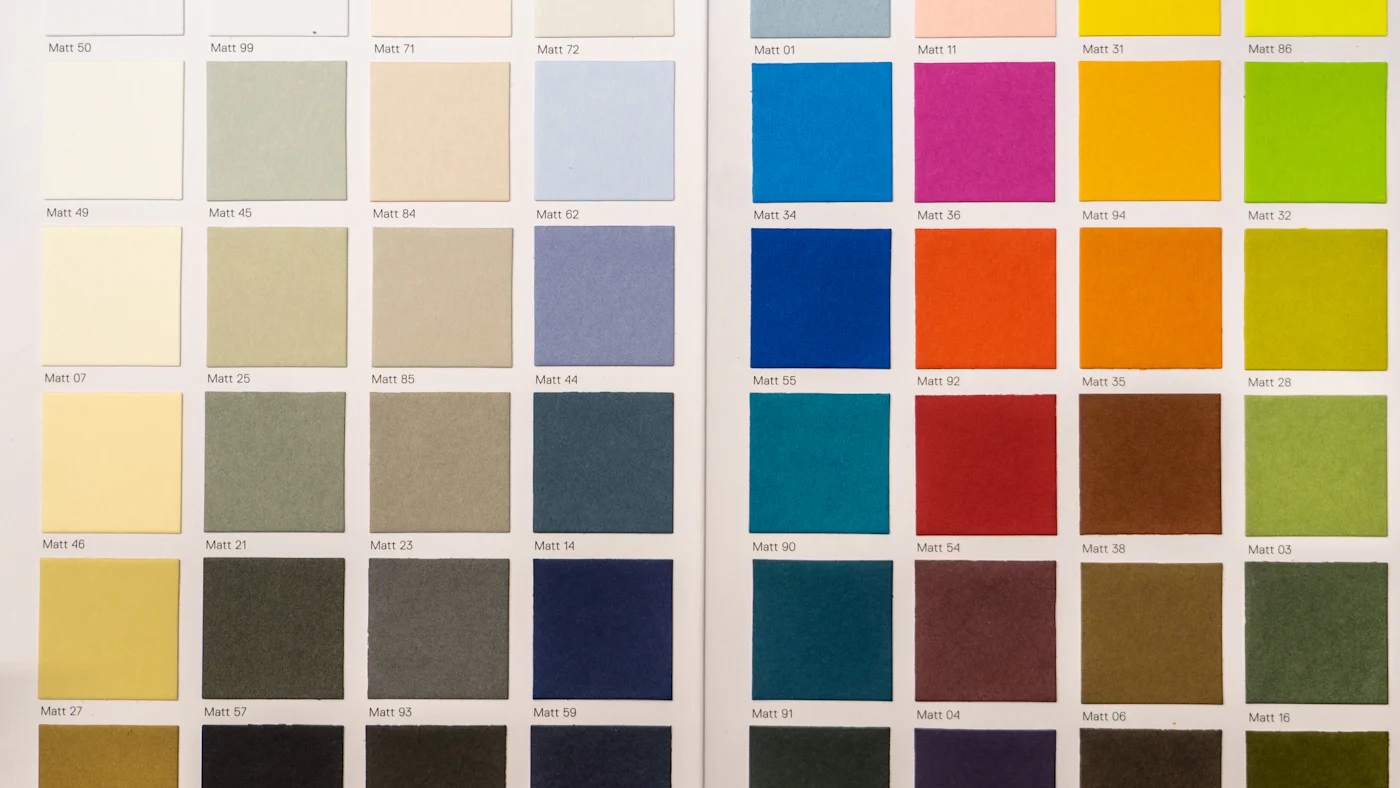
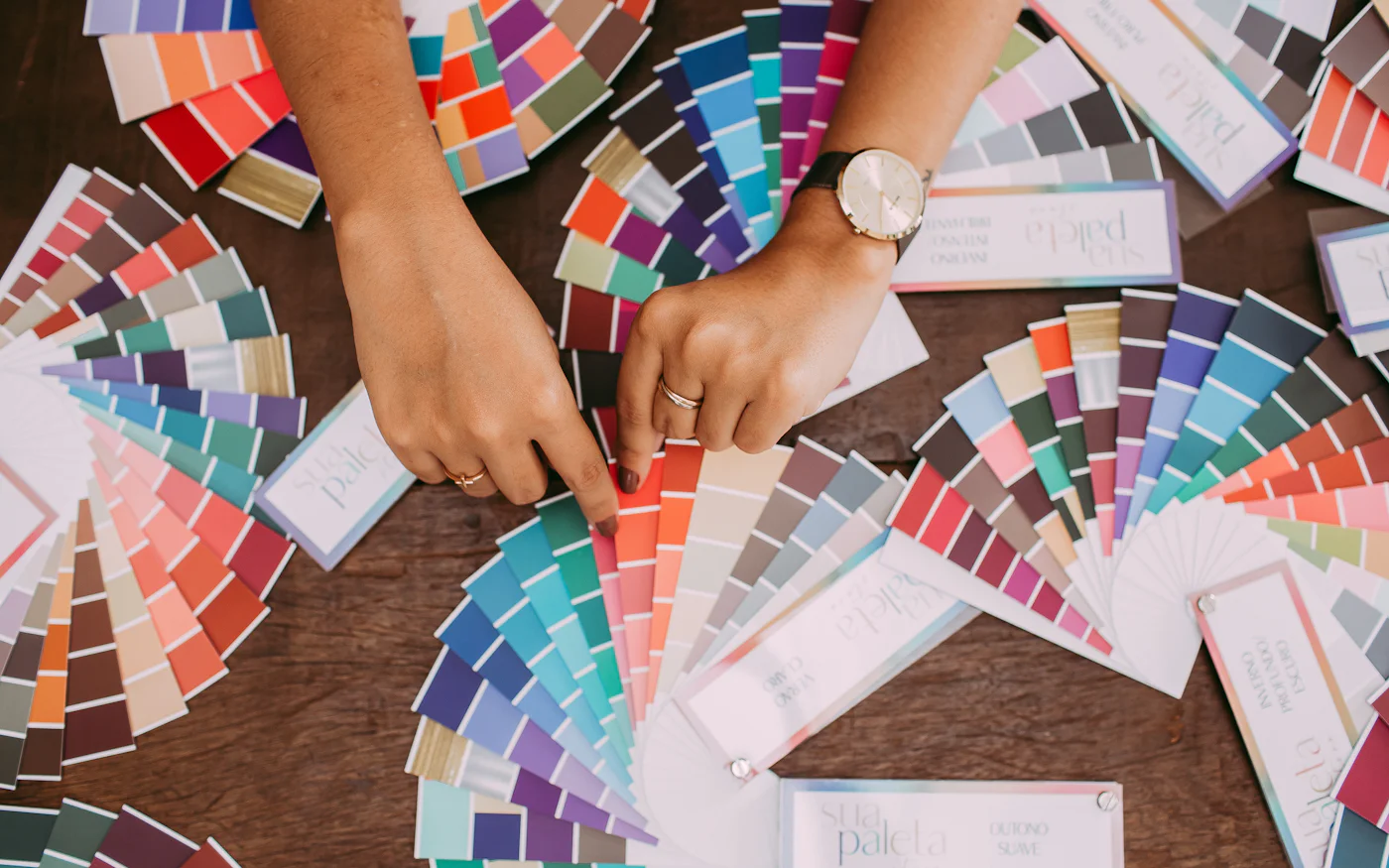
| Palette | Brand colours with hex codes, plus allowed neutrals | Orange #C45A1A, cream #F5F2EE, black #1C1917 |
| Light | Direction, quality, time of day | Soft window light from the left, late morning |
| Composition | Framing, angles, empty space for text | Top third free for headlines, 45° angle on food |
| References | Five to ten approved images | Saved in one shared folder |
| Prompt blocks | Reusable text for style, light and camera | "soft window light from the left, shallow depth of field" |
| Banned | What never appears | Competitor products, alcohol, extra fingers, fake text |
| Review | Checklist and who approves | Designer checks every image before use |
Write it so a new team member could produce a usable batch on their first day.
Why start with a style frame?
A style frame is one approved image that sets the look. Production does not start until it is signed off. It turns taste into something concrete: everyone compares new images to the frame, not to their own idea of the brand. We use the same step for 3D renders, where the clay stage plays that role.
How do you write prompt blocks?
Split prompts into fixed and variable parts:
- Style block (fixed): palette, light, mood, camera
- Subject block (variable): what is in this image
- Format block (fixed per channel): aspect ratio, space for text
- Negative block (fixed): banned elements
Fixed blocks live in the style guide and are copied, never retyped. That alone removes most drift between team members.
Where must real photos replace generation?
Products, logos and anything with text should come from real files. Generated products change labels and shapes, which is misleading in advertising. Our guide to AI product photography shows how to generate the scene and keep the product real, and the AI product photography service applies it.
What does the review checklist cover?
Every image, before use:
- Matches the style frame in colour and light
- Products, logos and text come from real files and are unchanged
- No banned elements, no distorted hands, faces or objects
- Space for text where the format needs it
- Tool and settings recorded for the image
- Platform disclosure rules followed
How do you roll the guide out to a team?
A week is enough for a marketing team of three to five people:
- Day 1: collect references and agree what the images are for
- Day 2: generate test images, pick one and approve it as the style frame
- Day 3: write the palette, light, composition and banned sections around the frame
- Day 4: turn the frame's prompt into fixed blocks; each person produces a test batch
- Day 5: review all batches against the checklist, fix the rules that let drift through
After that, review the guide once a month. Every rejected image is a hint that a rule is missing or unclear, so add the rule rather than just regenerating the image.
Who should produce the images?
Either an outside studio or your own team, once the style guide exists. Teams that want to produce on-brand images themselves can take our AI for marketing course, which ends with a month of planned content. For property visuals that need accurate geometry, read what to brief for a 3D render. For a studio-made batch, book a 30-minute call or see what we make on the creative AI page.
Sources
- Meta, Labeling AI-generated images on Facebook, Instagram and Threads: Meta labels images using the C2PA and IPTC "AI generated" signals, so keep those signals intact when you export. Checked November 2026.
- C2PA, content provenance standard, checked November 2026.
- US Copyright Office, Copyright and artificial intelligence: copyright protection for AI outputs is still being clarified, so check your tool's commercial terms and keep human-made elements (layout, edits, text) documented. Checked November 2026.
General information, not legal advice.
Frequently asked questions
Which AI image tool should a brand use?
The one whose output fits your style and whose terms allow commercial use for your purpose. Tools change quickly, so the style guide should work across tools rather than depend on one.
Can AI keep the same character or product across images?
Better than a year ago, with reference images and consistent prompts, but not perfectly. Products should come from real photos; recurring characters need a review step for drift.
Should we label images as AI-generated?
Follow each platform's disclosure rules and your own policy. Many brands label AI images in ads and keep a record of which tool made each one.
How long does it take to set up a style guide?
A first version takes a few days: collect references, generate test images, agree a style frame and write the rules. It improves with every batch.